
build by 0xkai
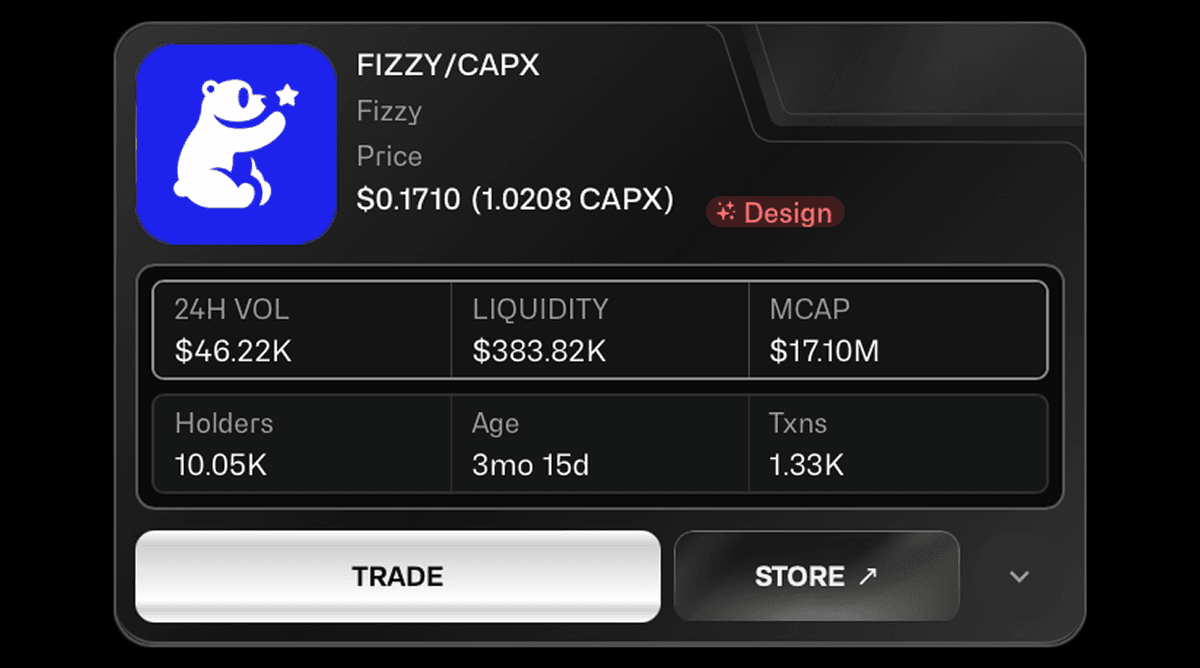
Fizzy is the Cursor for Design — an AI platform where you describe what you want, and get production-ready design assets instantly. Website UIs, app interfaces, illustrations, 3D elements, logos, and more. Built end-to-end, solo, for CapX.Shipped full-stack with Gemini-powered generation, Convex for real-time state and auth, Stripe for a three-tier credit-based subscription model, and Cloudinary for asset storage — all in v1.
OverviewThe design tooling space still relies on manual iteration — open a tool, place elements, adjust spacing, repeat. Fizzy removes that entirely.Give it an inspiration image or pick from 300+ pre-built templates, describe what you want, and get a production-ready visual in seconds. Then refine it through chat — same as you would with code in Cursor. No design tool knowledge needed.
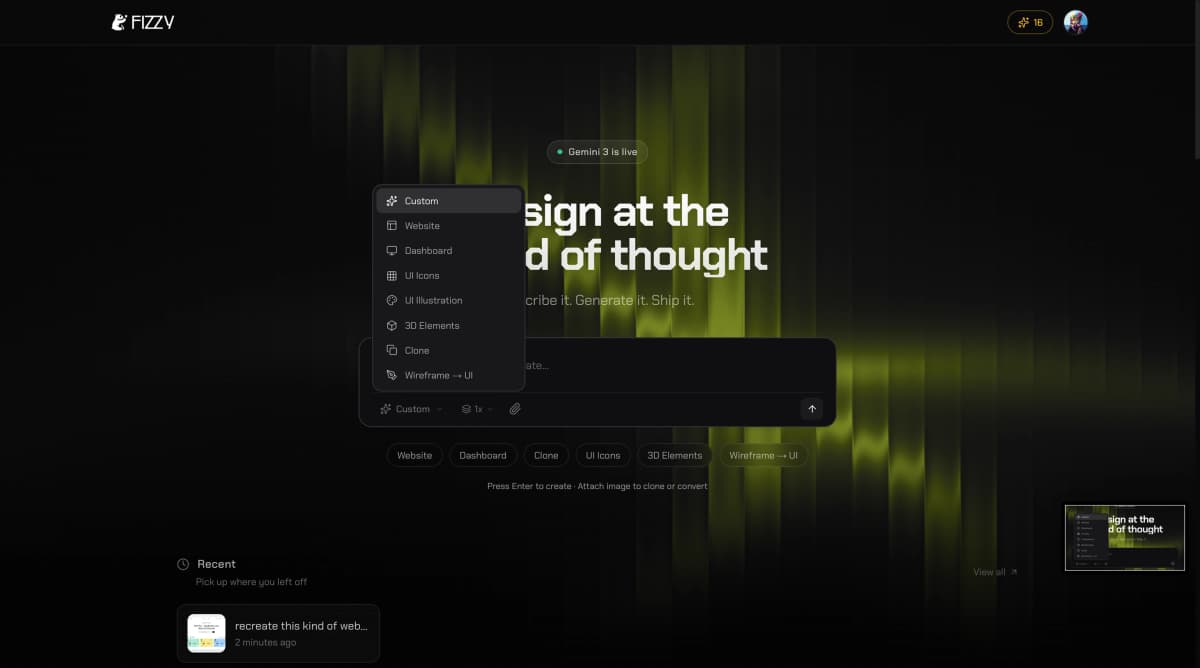
GenerateNine generation types, all fully working in v1.
Website UIFull website interfaces and landing pages from a single prompt.
Dashboard UIAdmin panels and data-heavy layouts with charts, tables, and sidebars.
App UIMobile app screens and interface flows for iOS and Android patterns.
UI IconsCustom icon sets that match any visual style or brand language.
UI IllustrationsDecorative and functional illustrations for use inside product UIs.
3D ElementsDepth-rendered objects and scene elements for modern interfaces.
Wireframe → UIUpload a rough wireframe and get a polished, production-ready UI back.
Webpage CloneRecreate the visual design of any existing website from a URL or screenshot.
CustomFreeform generation — describe anything and Fizzy figures out the rest.
InspirationEvery generation starts with an idea. Pick from 300–500 pre-built templates across web, mobile mockups, illustrations, logos, mascots, stickers, art, and more — or upload your own image.When you upload an image, Fizzy reads its style, layout, color palette, and composition and uses it as the generation seed. The output feels like a direct evolution of what you gave it.
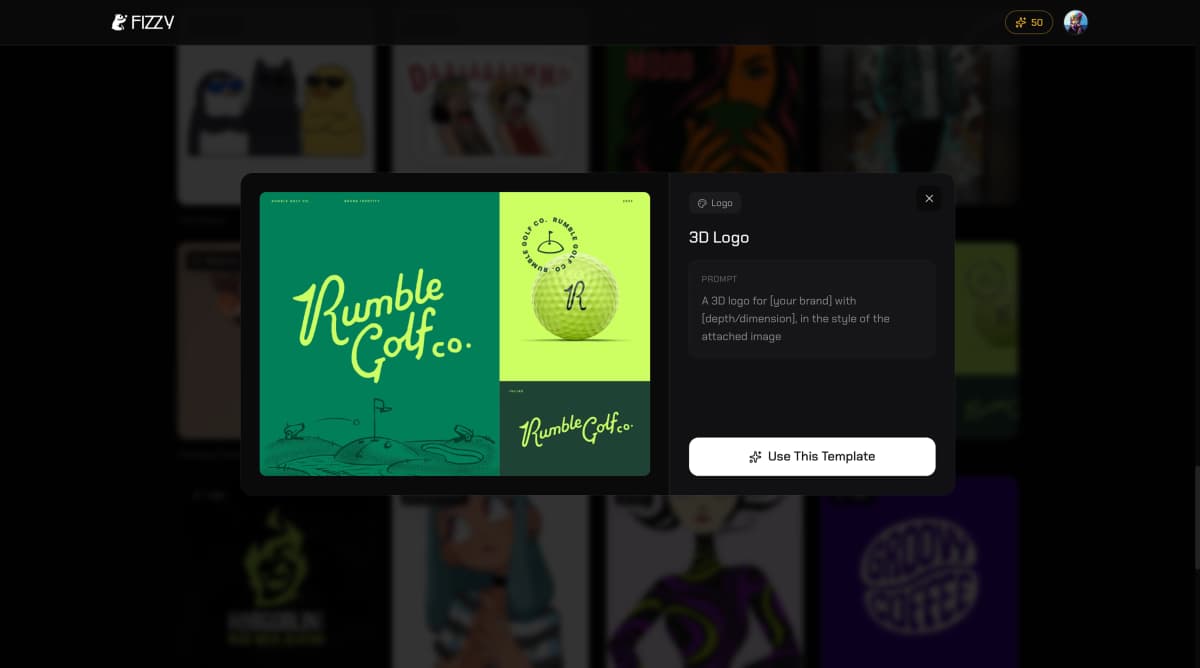
WorkflowStart a chat, give context or drop an inspiration, generate. From there, keep chatting to refine — change the color, adjust the layout, make it darker, add a sidebar. Each message iterates on the last output.Generate 1×, 2×, or 3× variations from one prompt to explore directions in parallel. Every chat session is persistent with its own context — leave and come back to any conversation anytime. Export individual elements or the full design as PNG or SVG.
Outputs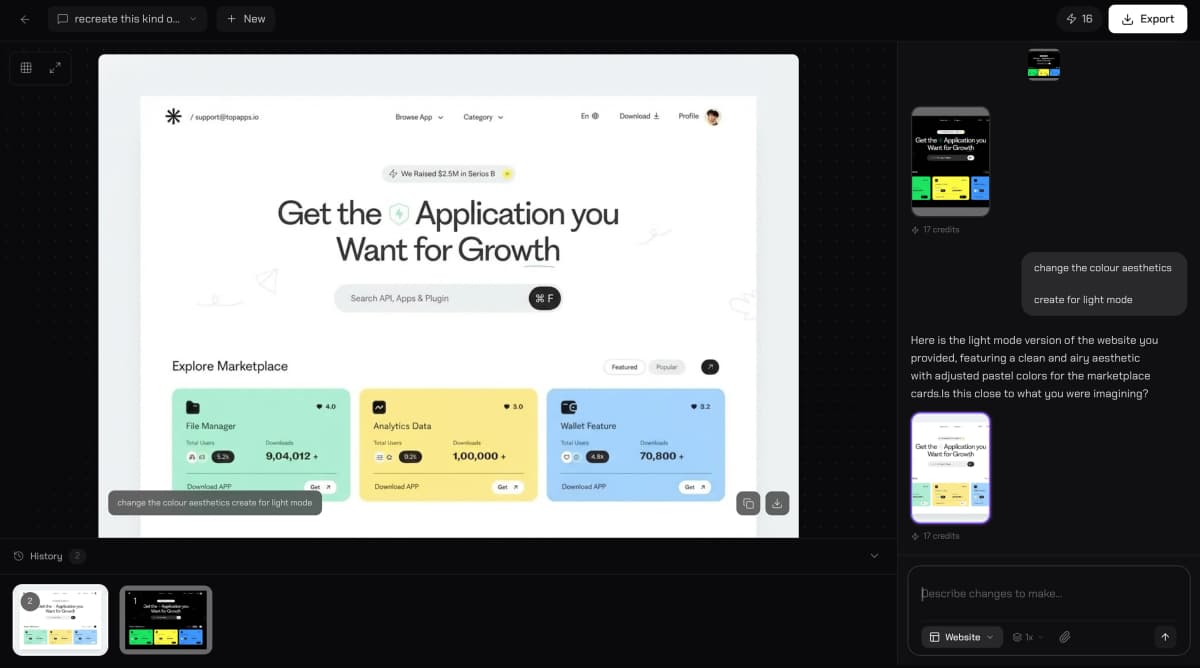
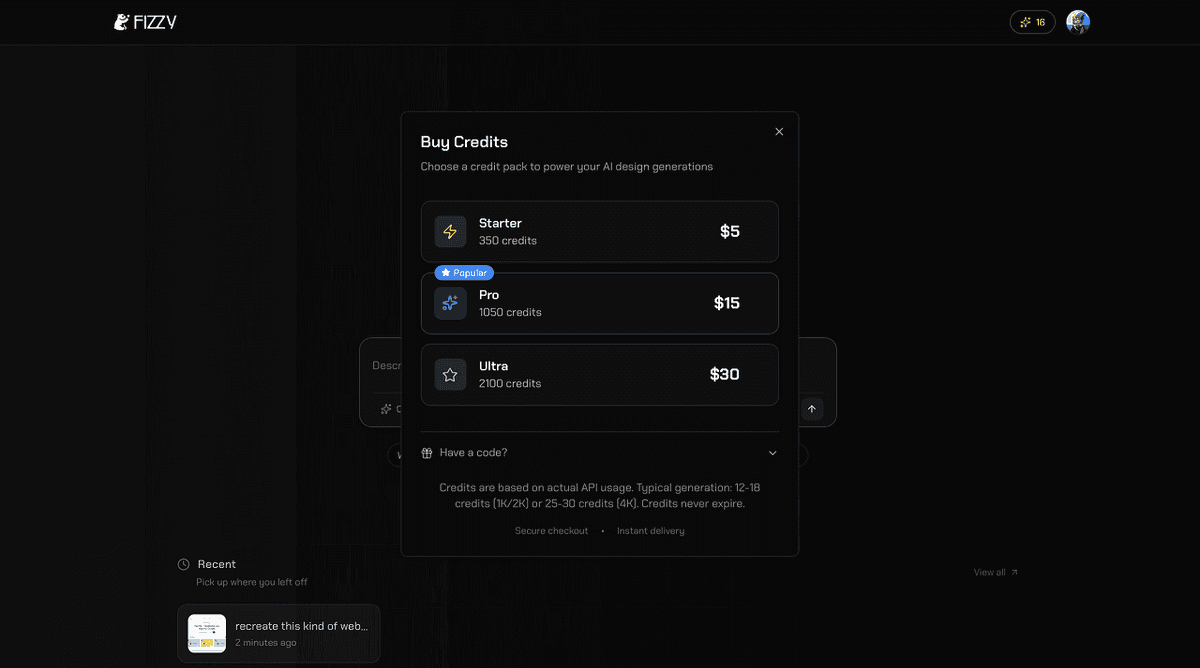
BuildBuilt for — CapXStatus — Live on CapX networkVersion — 1.0
Links
Website:https://www.fizzylabs.ai
Twitter:https://x.com/Fizzy_AI